sequencerOTIO
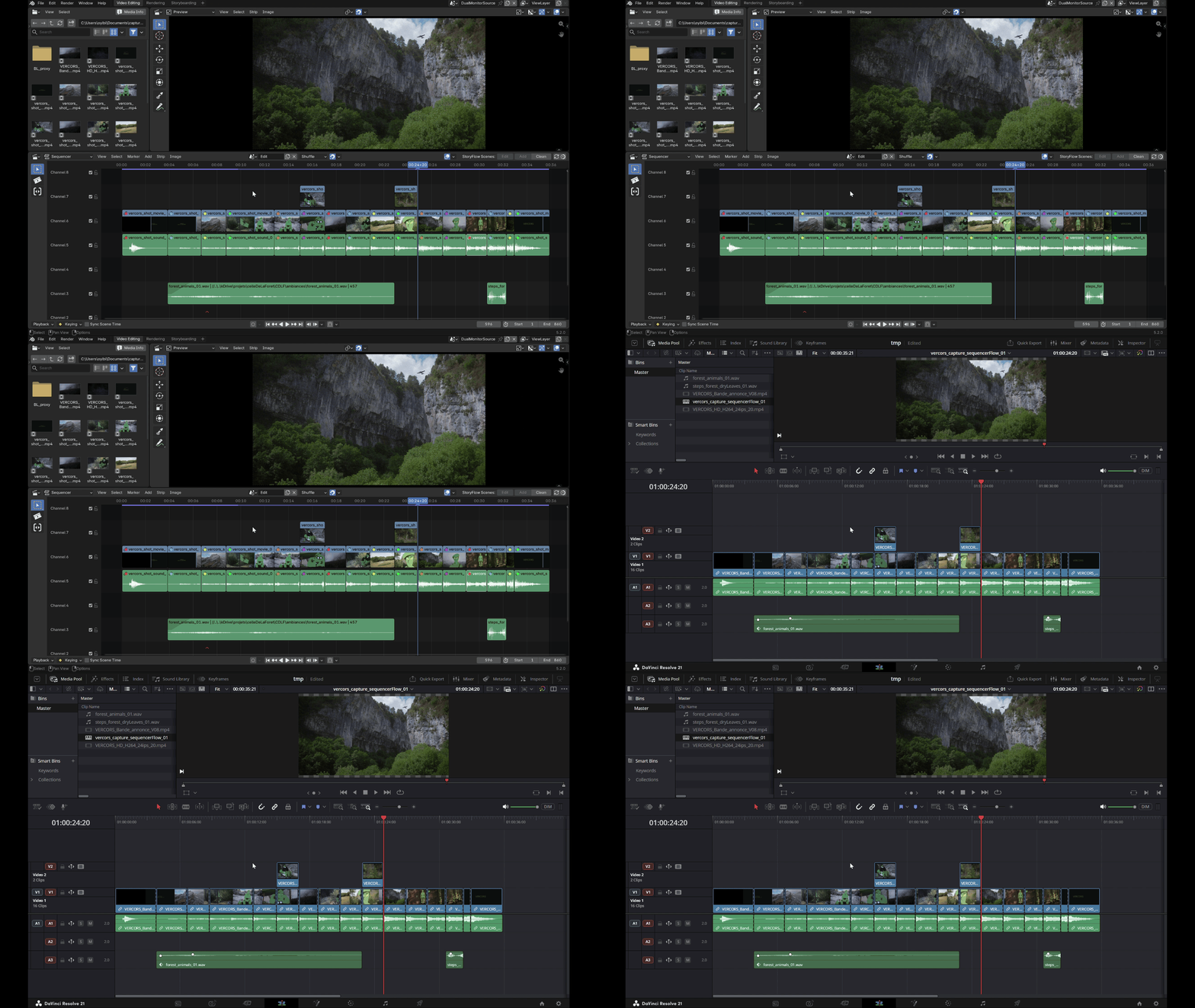
A clean round-trip between Blender's VSE and DaVinci Resolve.
sequencerOTIO is a professional exit door out of Blender's Video Sequence Editor, built on OpenTimelineIO (OTIO) — the open interchange format also used by Resolve, Nuke Studio, Premiere and others. It exists for the production steps Blender's VSE doesn't cover well (serious audio mixing, final DCP-ready exports, etc.) without locking your edit inside Blender: cut in the VSE, hand the timeline to Resolve, bring changes back, keep editing in either tool.
It never re-implements Resolve's features in Blender and never keeps a parallel copy of your edit — it's a translation layer that reads and writes the VSE's own data (strips, F-Curves, retiming) on the way out, and the same native VSE data on the way back in.
Presentation video
At a glance
- Export the current VSE edit to a
.otiofile tuned for Resolve — full track layout, curves, fades, speed changes, and transform (position, scale and rotation). - Import a
.otioback from Resolve, in Add, New Scene, Replace or Conform mode. - Conform: compare the live Blender edit against the Resolve export, classify every clip (unchanged / moved / retrimmed / split / changed / new / deleted), and apply just the changes — nothing gets blindly re-imported.
- Near-zero setup: the Python dependency (
opentimelineio) installs itself automatically on first load, from a bundled wheel, no internet connection needed in most cases.
See Features and Configuration for the full detail.
Why it's safe to hand off and bring back
- Conform diffs instead of overwriting — bringing a Resolve export back in never clobbers work done in Blender since the export.
- Debug reports you can actually read — every export/import drops a
companion debug report next to the
.otiofile and loads it straight into Blender's text editor. - Nothing leaves the VSE's own data model — volume, opacity, transform (position, scale, rotation) and retiming all round-trip through Blender's real strip properties and F-Curves. Turn the add-on off and your edit is exactly what Blender itself put there.
Requires Blender 5.2 or newer.
License
GNU General Public License v3.0 or later
— SPDX: GPL-3.0-or-later.
sequencerOTIO is part of the SlateFlow suite.
Support
slateFlow is developed in my spare time, alongside my freelance work. Prices are deliberately affordable: in return, I can't commit to fix deadlines or on-demand development. Feedback and ideas are welcome — the most important bugs will be fixed, and good ideas will make their way in. Thank you for your understanding.
Found a bug? See Reporting a bug for what to include.